Backup Power for an Industrial PC and Its Field I/O
By Highidea Power · 22 October 2026 · 4 min read
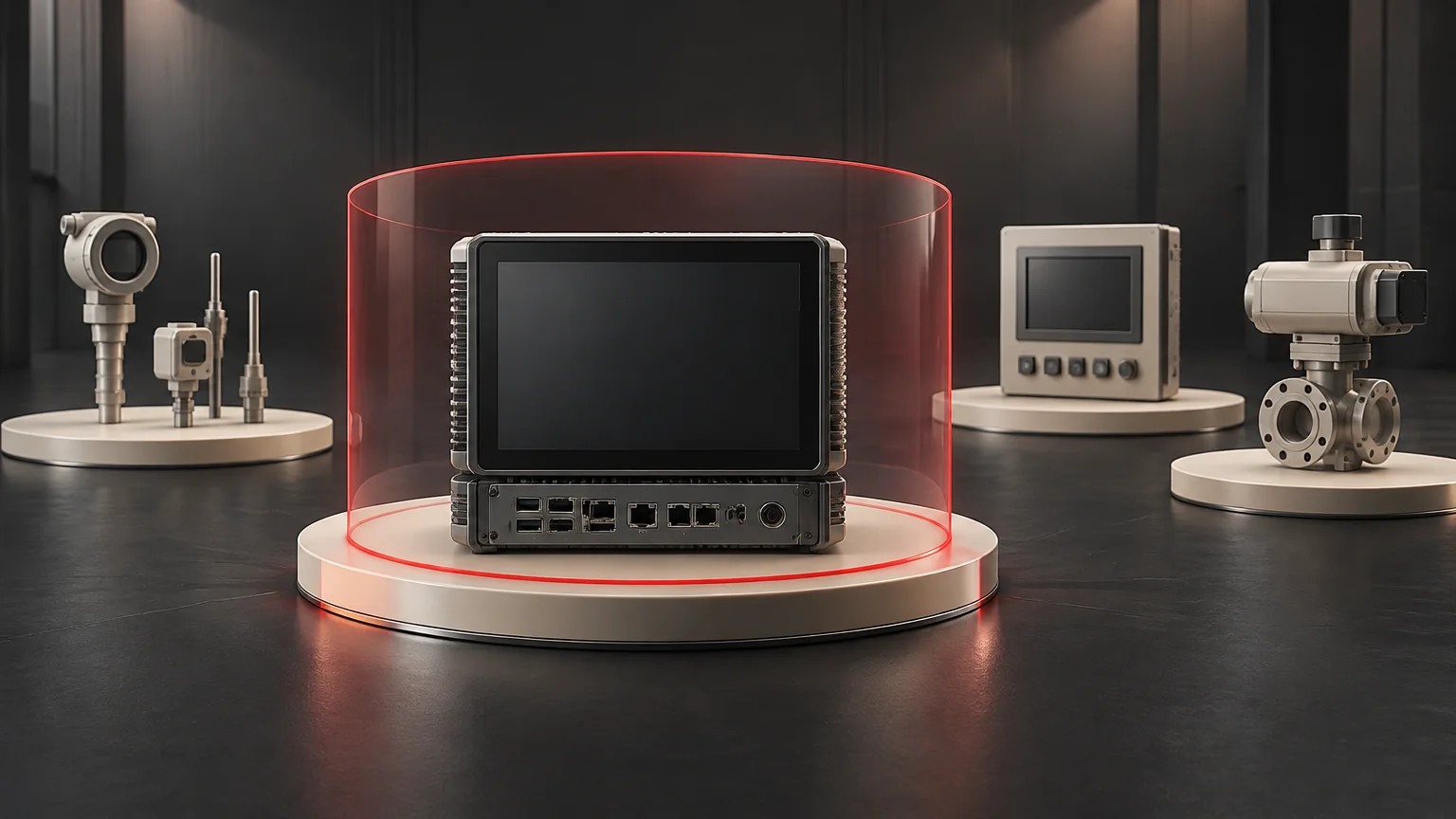
Keeping an industrial PC powered does not by itself keep its field signals valid. Sensors, remote I/O, network equipment and actuators may depend on different supplies. Trace both the signal path and the power behind each stage, then have the machine's responsible parties define the permitted operating and recovery states. A live screen is not proof that the controlled process can continue safely.
Highidea supplies UPS routes for industrial computing and control applications. A functional dependency map helps turn that requirement into a useful load list while keeping machine safety and process behavior with the machine designer.
Draw the signal path and the power path separately
Start with one important measurement or command. Follow it from the field device through I/O and communication to the controller/application, then to any action it enables. Beside each stage, identify its supply and the consequence of losing it.
A conceptual map might read sensor → remote I/O → network → industrial PC → application decision. It describes dependencies, not wiring. Actuator power and safety functions require their own explicit review; they must not be assumed to share the PC's supply.
Stage | Information to capture |
|---|---|
Sensor or transmitter | Supply identity, valid/invalid indication and the meaning of missing or frozen output. |
Remote I/O | Module and field-side supplies, where applicable; behavior on loss of either and available diagnostics. |
Communication | Required switch/gateway and power, link-loss indication and how data age is represented. |
PC and application | Handling of invalid or stale values, intended retained task and restart dependency. |
Controlled action | Machine-authorized behavior, safety/interlock relationship and responsible design approval. |
Use the actual equipment documentation. Not every system has separate supplies, timestamps or diagnostics at all these points.
Three ways an apparently live system can lose function
In a hypothetical process, the PC remains on but a field transmitter loses its supply. The last displayed number may stay visible. The application needs an approved way to distinguish a valid measurement from a retained value.
In a second hypothetical case, I/O and the PC remain powered but a required network switch does not. The communication dependency, rather than PC capacity, prevents the intended data flow.
In a third hypothetical case, measurement and control remain available while a machine action is intentionally inhibited by an interlock. Keeping the PC online must not be used to bypass that safety decision.
These cases show why a black-screen/no-black-screen test does not cover the whole task. They are not a claim about a particular machine or Highidea installation.
Specify what should remain available
Choose the approved task: continued data capture, preserving a transaction, an orderly application stop or another machine-defined function. Then list every dependency needed for that task, including its electrical demand and required duration.
The machine manufacturer and relevant safety/control specialists determine which circuits may remain energized, the intended stop state and how unexpected restart is prevented. Adding a UPS can preserve energy after an upstream supply is lost. It therefore belongs in the machine's energy and isolation review.
As a jurisdiction-specific example, Great Britain's PUWER regulation 19 addresses isolation from all energy sources and risks from reconnection. The applicable rules and machine review depend on the actual project; this article is not an isolation procedure.
Use a function-release record
For each retained function, record required devices, supply identities, failure indication, intended application behavior, safe-state owner, verification method and restart authorization. Keep unresolved dependencies visible before final selection.
Do not move field circuits, defeat interlocks or test a production process by pulling supplies. Verification should use a machine-authorized safe arrangement that covers invalid data as well as power continuity.
Discuss the protected load with Highidea
Send Highidea the functional load list, W/VA and transient information, required duration, source conditions and approved machine task. Our industrial continuity guide provides broader application context. These inputs help compare a suitable UPS configuration without treating the PC nameplate as the whole process.
Safety reference
- PUWER 1998, regulation 19: isolation from sources of energy, applying within its stated jurisdiction.
FAQ
Frequently asked questions
Does a UPS make a controller a safety-rated system?
No. Safety functions and their validation remain a separate machine-design responsibility.
Should every actuator be added to the UPS?
That decision belongs to the approved machine and safety design. Select protected loads from the intended function, not a universal rule.
Does keeping the computer alive preserve the process state?
Not automatically. The field devices, interfaces and application must support the intended outcome under the complete power arrangement. Define the state that matters and its observable evidence with the process owner. A responsive screen cannot establish that every sensor, actuator or safety function remains available.
Related
Products, solutions & further reading.
Put this into practice
Need help specifying the right unit?
Share the load, voltage, runtime, environment and destination for a configuration review.