UPS Monitoring Is Offline: Find the Failed Link Before Resetting
By Highidea Power Engineering Team · 19 October 2026 · 6 min read
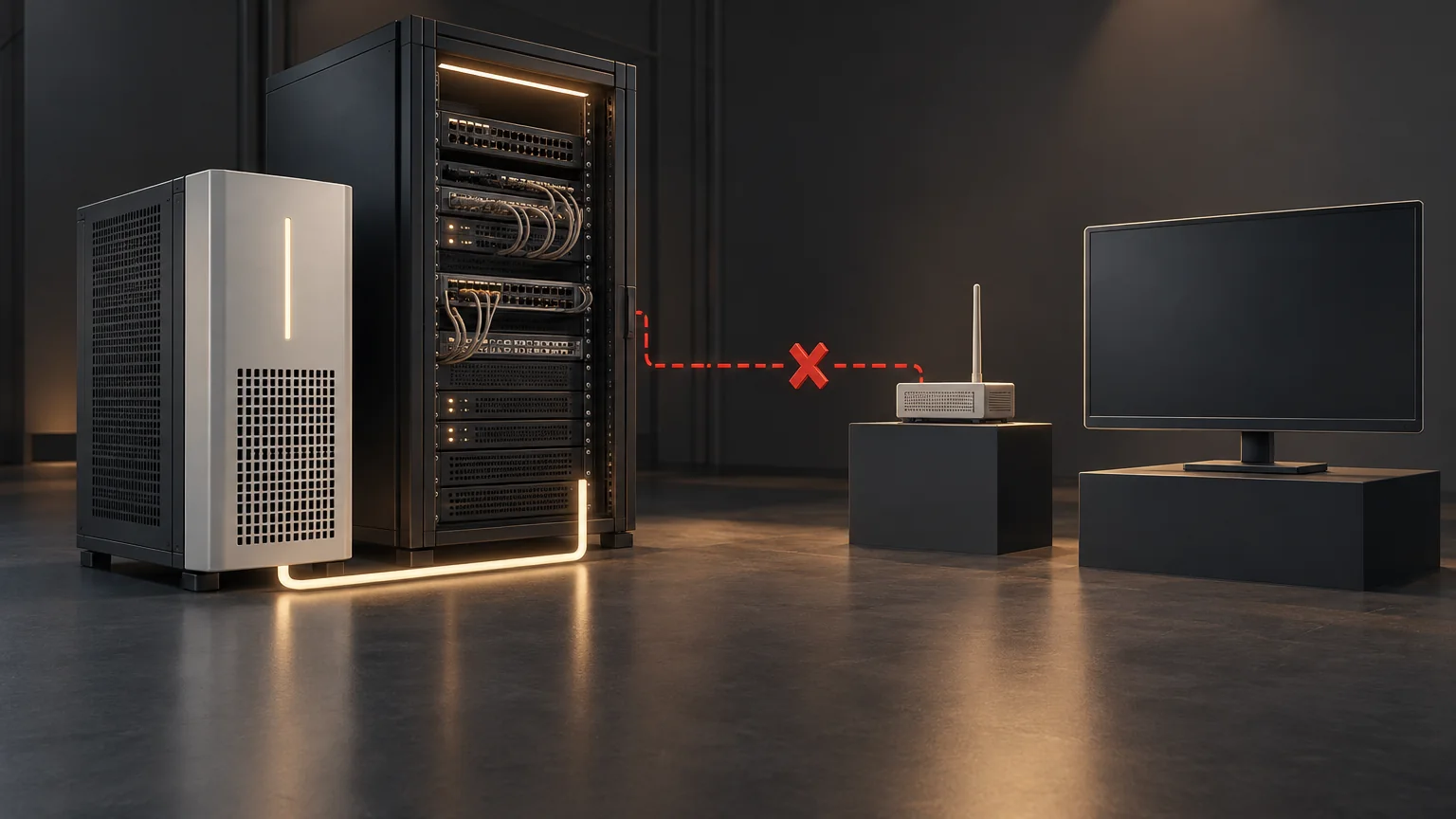
An offline dashboard does not establish that the UPS has stopped supplying power. First establish the local equipment condition through approved site checks, then compare fresh readings across the UPS, monitoring card, network, receiving system and cloud platform. Preserve timestamps before making changes. The aim is to locate the broken reporting link without disrupting the protected load.
Establish power condition separately from telemetry
Ask the authorized site operator whether the protected equipment is running and what the accessible UPS display reports. Capture the observation time, operating mode and visible alarm text when safe. A normal-looking display is one observation, not proof that every power path or battery function is healthy.
If there are signs of output loss, a load-risk alarm, abnormal heat, smoke, swelling or unusual odor, follow the site's electrical or emergency response. Do not postpone that response to troubleshoot a network. Do not open equipment or approach suspect batteries to collect evidence.
If the load is operating and no hazardous symptoms are present, treat the loss of monitoring as a loss of visibility. Notify the responsible operations team and use the site's approved interim observation or response plan until reporting is restored. A blank alarm feed must not be interpreted as an alarm-free system.
Draw the reporting chain that actually exists
A typical investigation can separate five boundaries: UPS to card, card to local network, network to collector, collector to notification processing, and cloud account to the viewing user. The installation may use only some of them. Draw the actual path and identify which team owns each boundary.
Highidea offers optional monitoring and cloud functions on compatible equipment. Availability of local web access, SNMP, dry contacts, shutdown integration or a cloud function must be confirmed for the ordered host and card. Do not assume every diagnostic view exists on every option.
This article provides a read-only diagnostic framework. Use the card manufacturer's current manual for its indicators, supported protocols and specific controls. The CyberPower RMCARD400 manual, for example, treats IP access, web access, SNMP operations and traps as different troubleshooting cases. Its menus, default addresses and reset procedures are not Highidea instructions.
Compare the last good observation at each boundary
Start with the evidence already available. Note both the value and when it was last updated. A reachable page showing yesterday's UPS values is different from a fresh reading generated now.
Record unsuccessful checks as carefully as successful ones. An unanswered ping alone does not prove a device is powered off; network policy can prevent that test. Conversely, a successful ping does not establish fresh UPS data or notification delivery.
What you observe | Where to investigate next |
|---|---|
Local UPS status is available, but the card has no fresh UPS data | Ask support to check the host/card communication boundary and compatibility. Record recent service or firmware changes; do not remove or reseat the card. |
Card data is fresh locally, but the collector cannot reach it | Have IT compare addressing, switch/VLAN path, routing and permitted management access from the collector's location. |
Web access works, but SNMP polling fails | Check the supported SNMP version, approved credentials/security profile, permitted source and requested MIB objects with IT. Web access does not test SNMP. |
Polling works, but event notifications are absent | Review event mapping, notification destination, receiver handling and suppression separately from the polling path. |
Local collection is fresh, but the cloud view is stale | Compare the upstream reporting service, authorized account/device association and platform status with the responsible provider. Do not rebind or delete the device to experiment. |
Several unrelated devices disappear together | Investigate shared network, collector or platform dependencies as well as the individual device. The pattern suggests a boundary; it does not prove the cause. |
Let IT test the intended management path
Provide IT with the approved device identity and last known address. Ask it to compare the current address, reservation or address-management record, VLAN, gateway, permitted sources and recent network changes. Tests should originate from the actual management network, not just from a technician's nearby laptop.
If a hostname is used, distinguish name resolution from access to the resolved destination. If the management endpoint is reachable only from one location, preserve the comparison rather than changing the card's address immediately. Record any relevant certificate or authentication error exactly, without sending passwords or private keys in a support ticket.
Do not solve a reporting failure by opening unrestricted access, exposing the card to the public internet or disabling authentication. Do not copy ports or default credentials from another card's manual. The required services and security policy belong to the actual installed model and IT design.
Separate polling, notifications and stale displays
Polling asks for a value; a notification reports an event. They can use different settings, permissions and network paths. Successful polling therefore does not prove that a trap receiver is configured or that an event reached the notification workflow.
RFC 3416 specifies that an SNMPv2 trap has no delivery confirmation. An inform has a protocol response mechanism, but even that is not a guarantee of delivery or proof that a human has accepted the incident. Confirm which mechanisms the actual equipment supports; do not assume inform support simply because SNMP is listed.
Also compare the collector's last-success timestamp with the displayed event time. A cached value may look plausible after communications stop. Ask the platform owner to show the freshness or missing-data condition used by the installation. Where the system lacks an adequate loss-of-reporting indication, record that as an operational gap to resolve after the immediate incident.
Preserve an escalation package before any intervention
A useful support request narrows the failed boundary and makes the next action safer. Provide the following record through an approved support channel.
A reset, firmware update, card replacement or account reconfiguration can remove evidence or affect other functions. Let authorized support identify the applicable procedure and impact before taking that step. Remote power controls must never be used as a test of monitoring connectivity.
- Device identity: host/card model and relevant firmware, device serial reference and site asset identifier.
- Timeline: last confirmed good reading, first failure, observation times and time zones, including any clock difference between systems.
- Power observation: protected-load condition, accessible UPS mode and alarm text, and who observed them.
- Boundary evidence: which local or remote views are fresh, which fail, the management source used and the exact non-secret error.
- Change history: network, account, firmware, card, UPS or collector changes before the incident.
- Requested action: the proposed diagnostic owner, prerequisites, load impact, authorization and rollback/restoration plan.
Verify recovery through fresh data and a safe test
After an approved repair, compare a fresh device reading with the receiving platform and check timestamps. Then perform the installation's approved notification test and verify receipt. A refreshed web page alone does not close an incident involving missing alarms.
Check that management restrictions, device associations and any maintenance suppression are back to the approved state. Record the cause, action, restoration evidence and outstanding limitations. Where automated shutdown depends on the repaired path, validate it under its separate approved test plan rather than triggering it on a live workload.
Send Highidea the escalation record if the failure appears to involve the host, card or supplied integration. Ask for a model-specific next step and an explanation of which reporting functions the proposed action will restore.
Sources and scope
The primary references below support the stated technical context. Other manufacturers' procedures and limits apply to their own products, not automatically to Highidea. Product and application statements here are limited to the named Highidea configuration or record.
CyberPower: RMCARD400 Firmware v1.0.3 User Manual, pp. 34–35 and 69
IETF / RFC Editor: RFC 3416 — SNMP protocol operations, sections 4.2.6–4.2.7
FAQ
Frequently asked questions
The UPS screen is normal. Can I ignore the offline alarm?
No. The load may still have power, but remote visibility or response can be unavailable. Follow the approved interim plan and restore monitoring without assuming all protection functions are verified.
Does a working web page prove SNMP and alerts are working?
No. Web access, polling and event notifications are separate checks. Confirm fresh UPS data and the intended receiving path for each required function.
Should I factory-reset the monitoring card?
Not as a first-line experiment. A reset can remove network, security and event settings and complicate recovery. Preserve evidence and obtain the applicable manual, authorization and restoration plan first.
Related
Products, solutions & further reading.
Put this into practice
Need help specifying the right unit?
Share the load, voltage, runtime, environment and destination for a configuration review.