Planning Rack UPS Cooling: Follow the Airflow, Not Just U-Space
By Highidea Power · 23 October 2026 · 4 min read
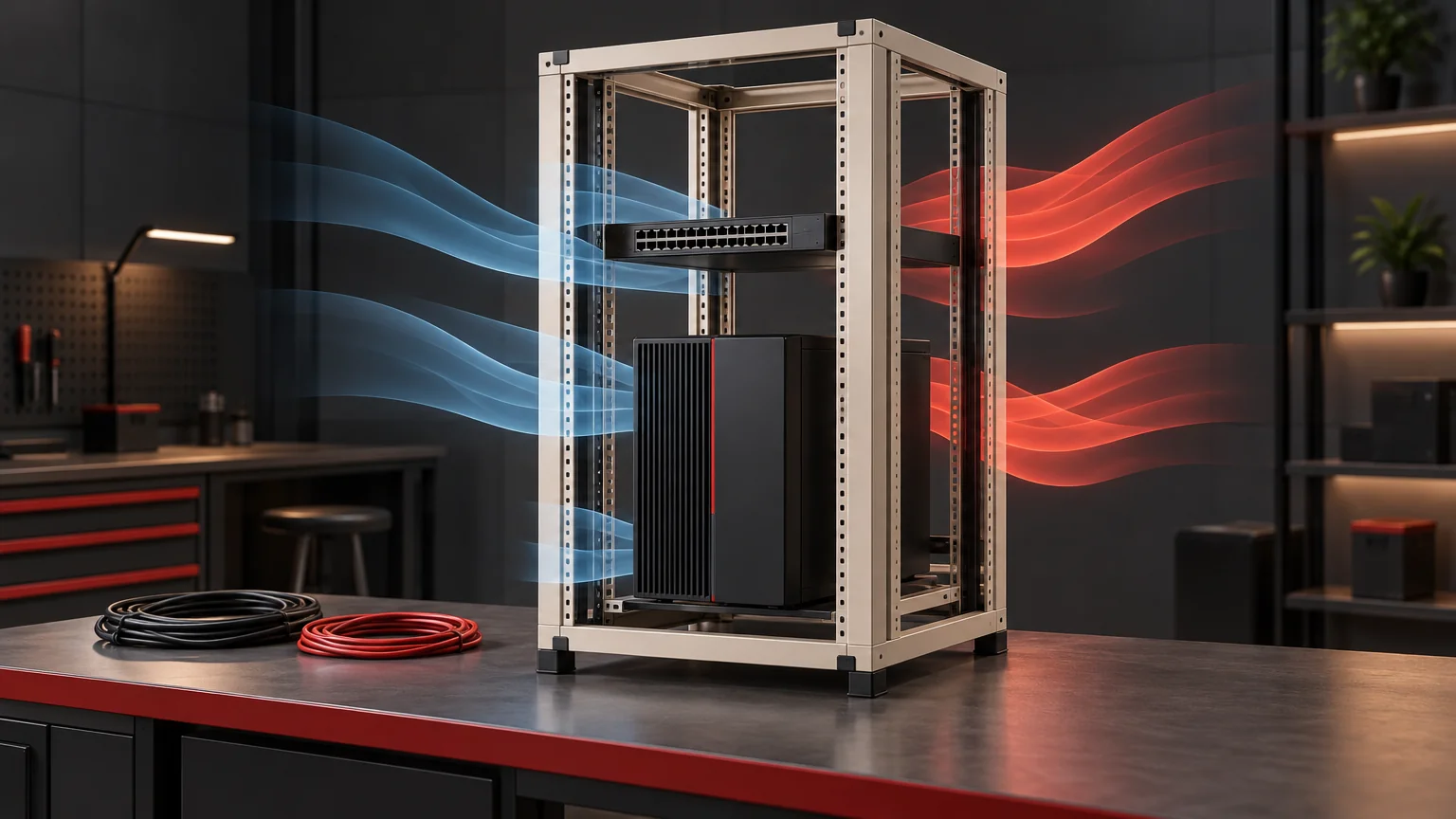
A rack UPS needs a complete route for cooling air as well as enough mounting space. Map its intake and exhaust alongside neighboring equipment, then check where the cabinet releases the combined heat. Highidea’s rack-mounted online UPS options let you plan built-in or external LiFePO4 storage around your load; the cooling review should follow the exact equipment arrangement you intend to order.
Draw the air path through the whole rack
Start with the selected UPS installation drawing. Mark its intake, exhaust and required access on a cabinet elevation, then add the same information for switches, servers and other powered equipment. A shared rack position says little about whether their airflow directions agree. Warm exhaust directed toward another device’s intake can create a local problem even when the room temperature appears acceptable.
Include doors, side panels, cable bundles and nearby walls in the sketch. These define the actual route air can follow. An equipment temperature requirement belongs to the location specified by its manufacturer; a comfortable room reading at the door cannot replace the temperature of air entering the UPS.
Review the arrangement with its normal panels and doors in their intended operating positions. Opening a door to make a crowded cabinet seem cooler changes the configuration and may change its environmental protection. Resolve that conflict in the enclosure design rather than treating the open door as the finished solution.
Count the heat inside your chosen boundary
Separate the UPS’s conversion losses from the heat released by equipment it supplies. If the servers are in the same cabinet, their heat belongs in that cabinet’s thermal assessment. If the load is elsewhere, its power should not automatically be counted as heat released beside the UPS.
For a defined steady operating condition, conversion loss can be estimated as Pout × (1/η − 1), with efficiency η expressed as a fraction. This assumes input and output boundaries that account for the relevant energy flows. During battery charging, part of the input stores energy; treating all input minus AC output as heat would misstate the cabinet load.
Manufacturer heat-dissipation data are useful here. Legrand’s UPSaver datasheet, for example, lists different heat losses for a fully charged battery and maximum charging conditions. Those figures illustrate why the state matters; use the selected Highidea configuration’s applicable information for your project.
Make one coordinated placement worksheet
Use the following worksheet to turn the rack drawing into questions that the UPS and enclosure suppliers can answer together.
Review item | Record for the proposed configuration | Decision it supports |
|---|---|---|
UPS airflow | Documented intake and exhaust positions | Position relative to other intakes |
Other equipment | Air direction and heat released inside this cabinet | Shared thermal load |
Obstructions | Doors, cable routes and nearby surfaces | Whether the intended route remains open |
Operating state | Actual load, mode and battery charging state | Which heat-dissipation information applies |
Enclosure cooling | Air exchange, heat exchanger or cooling system | How heat reaches the surroundings |
Service access | Model-specific working and removal space | Whether maintenance preserves the layout |
This is a planning tool, not a universal spacing specification. Record the applicable drawing revision beside each entry so a later equipment substitution can be reviewed against the same layout.
Choose the enclosure cooling method with the UPS
Cabinet options solve different environmental problems. Eaton’s ExoCab18 datasheet distinguishes closed, fresh-air, heat-exchanged and air-conditioned versions. That is a useful illustration of the design choices: admitting outside air and transferring heat across a separated boundary are different approaches.
Consider a hypothetical cabinet containing a UPS and a network switch. Moving the switch may remove direct exhaust recirculation, yet the cabinet still needs enough heat removal overall. Conversely, a larger external cooling provision does not automatically cure a blocked local intake. Review local airflow and the cabinet’s overall heat balance separately, then close both questions in the chosen arrangement.
Prepare your Highidea rack configuration
Our ET1-3KR combines a rack-mounted online UPS with a built-in LiFePO4 battery. The ET 1–10KRS range uses external LiFePO4 packs for configuration around the required backup duration. Choosing between them also changes where the battery equipment sits and what needs space in the layout.
Combine this worksheet with the rack-fit guide and operating-mode efficiency comparison. Send Highidea the proposed rack elevation, load, surrounding conditions and operating states so the UPS selection and cabinet review use the same inputs.
Primary references
FAQ
Frequently asked questions
Does leaving an empty rack position guarantee cooling?
No. Available space must work with the documented airflow and enclosure heat-removal arrangement; an empty position alone establishes neither.
Can I use the highest advertised efficiency to estimate heat?
Use efficiency for the actual mode and load, with the appropriate energy boundary. A value from another operating state can mislead the thermal calculation.
Should the review be repeated after adding battery packs?
Review the changed layout, charging conditions and manufacturer requirements. Extra storage can change cabinet occupancy and operating conditions even when the AC load stays the same.
Related
Products, solutions & further reading.
Put this into practice
Need help specifying the right unit?
Share the load, voltage, runtime, environment and destination for a configuration review.