Can a Rack UPS Battery Be Serviced Without Moving Other Equipment?
By Highidea Power · 22 October 2026 · 3 min read
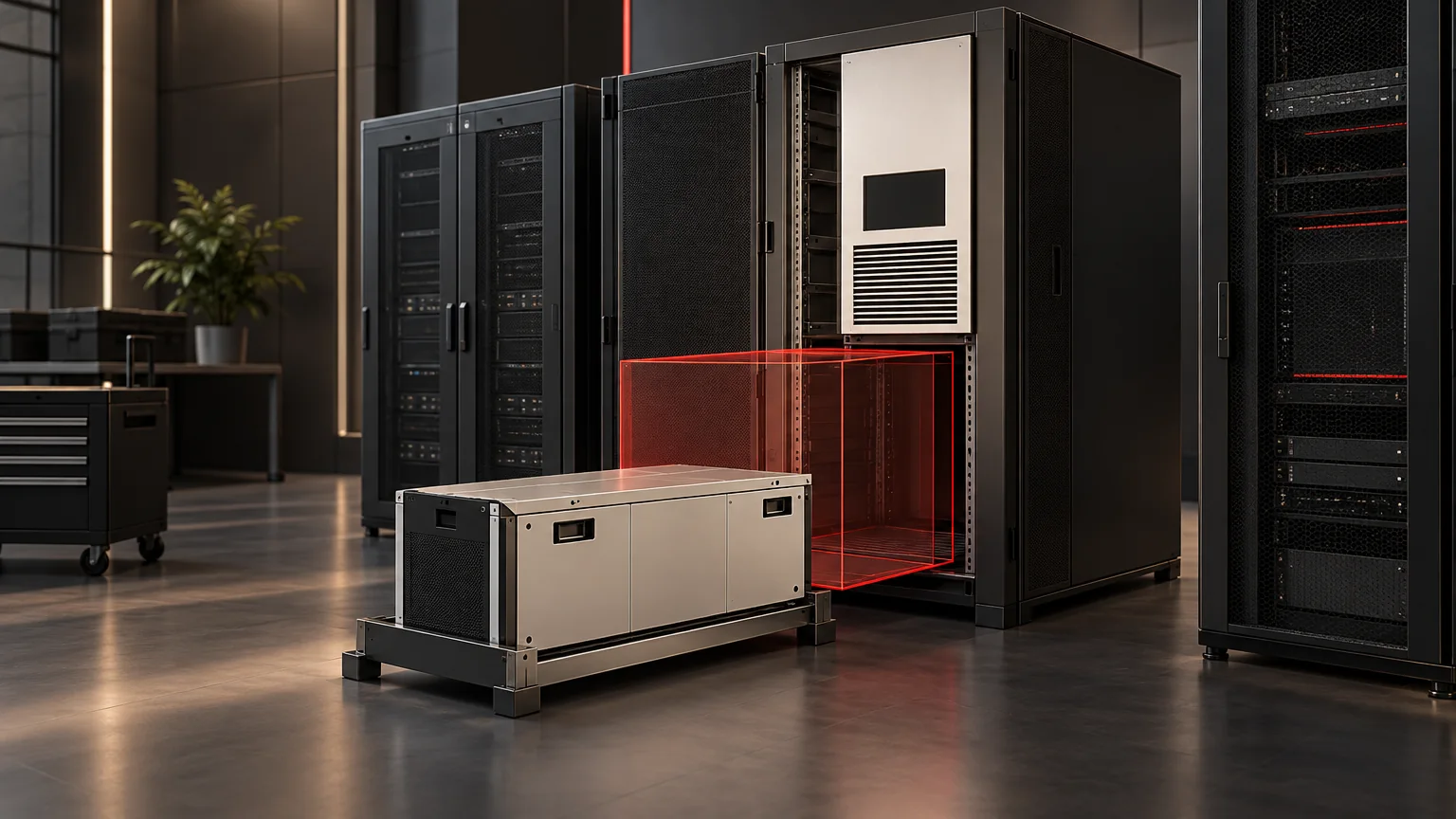
Answer this question by reviewing one actual service task in the final rack layout. Obtain the selected model's approved service method, direction of access, support and interruption requirements. Then trace the complete removal and replacement path. A chassis that fits the cabinet can still have a battery service path obstructed by doors, cables or neighboring equipment.
Highidea offers rack UPS routes with built-in or external storage. Choosing the right arrangement includes planning how its batteries will be maintained through the installation's life.
Define the task before reserving space
“Battery maintenance” could mean an approved inspection, replacement of a finished external pack or a manufacturer-authorized internal service. These are different tasks with different access and personnel requirements. Do not assume an internal battery is user-replaceable or that an external connector permits live replacement.
Ask the supplier to name the applicable model/revision and service document. Identify the service provider, approved equipment condition and any required interruption or alternative load arrangement. A general rack drawing cannot supply those permissions.
Decompose the service path
Task boundary | What the final-layout review must establish |
|---|---|
Reach the authorized service point | Doors and panels can be accessed using the approved method without unplanned movement of unrelated equipment. |
Access connections | The permitted connection task has sufficient space and a documented equipment condition. |
Support and remove the item | The specified direction, handling/support and complete travel envelope are available. |
Bring in the replacement | The replacement and approved handling arrangement can reach the same point. |
Restore and verify | Reassembly, connection and release checks follow the selected manufacturer's procedure and the site's authorization. |
This is a task-analysis worksheet, not a removal sequence. The actual order and electrical actions remain in the approved service instructions.
Compare two hypothetical layouts
In one hypothetical layout, the approved task requires access from a direction blocked by permanent network equipment. The UPS fits during installation, but the proposed no-movement service requirement fails.
In a second hypothetical layout, the designer reserves the required task envelope and confirms the support and access conditions for the exact method. The service requirement can be reviewed without assuming neighboring devices must be removed.
Neither case specifies a Highidea removal direction. Nor does a removable-looking front panel establish hot-swappability. Obtain explicit model support for any service while equipment remains energized.
Decide whether movement is acceptable
If the service task requires another device to move, record its interruption, cable and restoration consequences. Ask the service owner whether this meets the project's maintenance objective. A planned outage might be acceptable in one project and unacceptable in another.
Compare a revised rack position, a different storage arrangement or another supported product route if the original task cannot be accommodated. Do not solve a conflict with unsupported rails, tighter cable bends or improvised lifting.
Preserve a service-access decision
Keep the exact task, document revision, layout, involved equipment, access/support envelope, permitted equipment state, service responsibility and verification record together. State which surrounding items remain in place and which require planned movement.
Recheck after adding a PDU, cable manager, shelf or battery module. The initial cabinet-fit review addresses the installed pairing; this task-specific decision addresses the later maintenance operation.
Contact Highidea with the required battery service outcome and rack drawing before ordering. This lets the configuration discussion include both initial installation and lifecycle access.
Manufacturer example
- Eaton SRW26USDP datasheet separately describes equipment depth and hinged rear access. Its arrangement applies to that enclosure, not a universal UPS service method.
FAQ
Frequently asked questions
Does external storage always simplify service?
It changes the task boundary, but its own support, access, connection and interruption conditions still require review.
Can the service envelope overlap a temporary work area?
Only if the responsible parties approve its availability and safe use for the exact task. An empty space on the day of installation is not a permanent guarantee.
What change should trigger another service-access review?
Review changes that affect the approved task: added cabling, a new PDU or shelf, a different battery or support arrangement, and changed neighboring equipment. Compare the revised layout with the selected service document. Preserve the earlier decision as history rather than assuming its approval covers the new obstacle.
Related
Products, solutions & further reading.
Put this into practice
Need help specifying the right unit?
Share the load, voltage, runtime, environment and destination for a configuration review.