Tower or Rack UPS When There Is No Suitable Cabinet?
By Highidea Power Engineering Team · 20 October 2026 · 3 min read
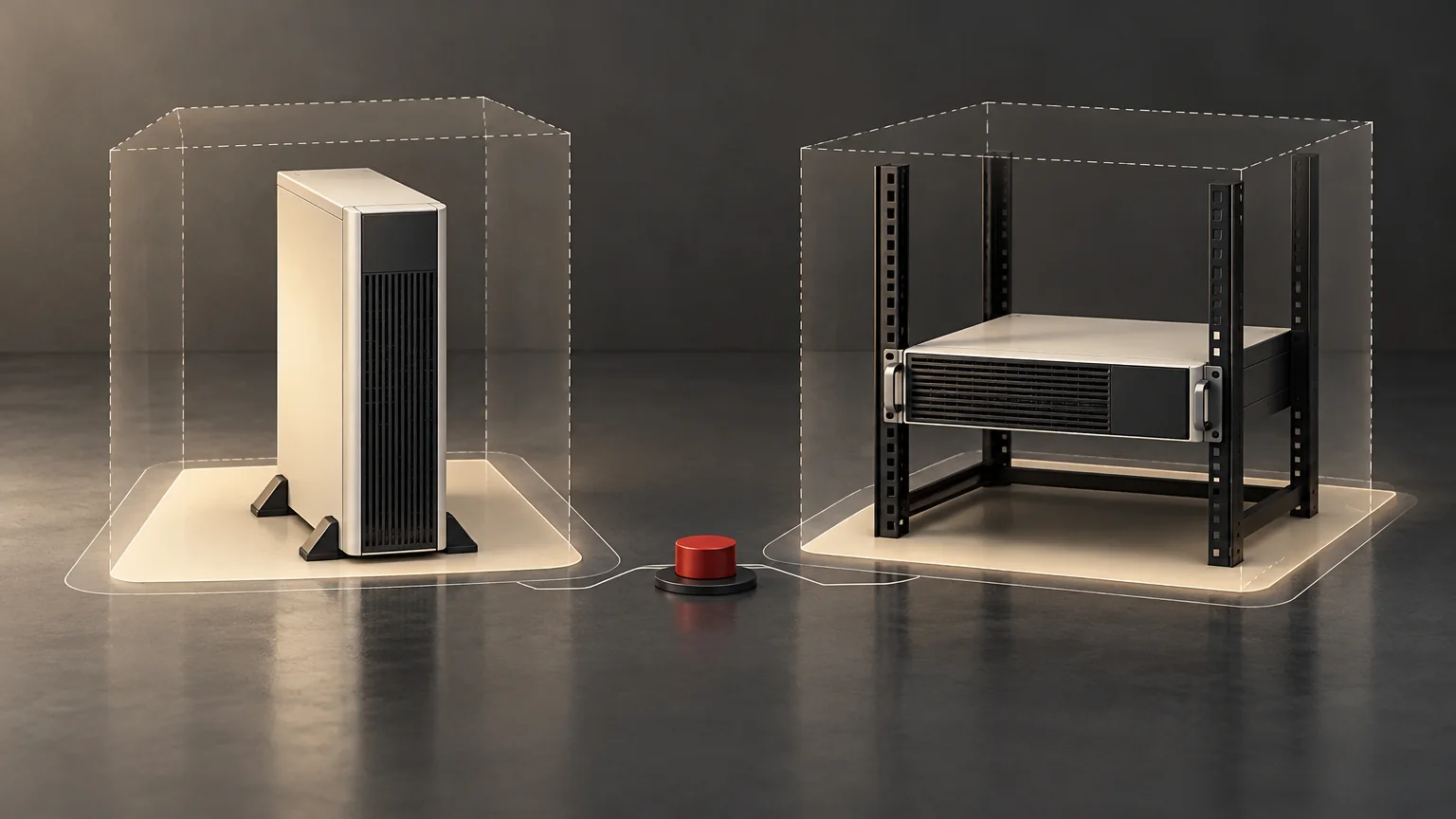
Compare complete supported installations, not just chassis footprints. A tower arrangement may avoid buying a cabinet, while a rack can organize equipment and service access. Neither is preferable until the selected UPS's approved orientation, support, environment and access requirements fit the site.
Compare two complete options
When the existing cabinet is unsuitable, it is tempting to put a rack chassis on a shelf or turn it onto its side. That is not an approved conversion unless the manufacturer explicitly supports the arrangement and accessories.
CyberPower's Smart App Sinewave manuals describe model-specific rack and tower methods and associated hardware. They show why orientation and support are part of a product's instructions, not aesthetic choices. Those arrangements apply to the documented CyberPower models, not automatically to Highidea equipment.
Ask Highidea which exact product and installation options are supported. A family catalogue showing rack and tower products does not mean every enclosure converts between them.
Make a whole-installation option matrix
Use one row per decision factor and one documented answer per option. Keep unknowns visible rather than assigning arbitrary scores that conceal missing evidence.
Decision factor | Question for both tower and rack options |
|---|---|
Supported configuration | Is this exact orientation and accessory set approved for the selected model? |
Space | What are the equipment, cable, cooling and service envelopes? |
Support and stability | Who approves the floor or frame arrangement and access conditions? |
Cables | Can the approved connection arrangement be accommodated without obstruction? |
Service | Can batteries or the host be serviced using the manufacturer's permitted method? |
Growth | What future equipment is actually planned, and does the option still meet its requirements? |
The matrix is a preselection tool. Once a rack option is chosen, use a separate, dimensioned cabinet-fit approval for the exact UPS/cabinet pairing. Do not repeat that mechanical approval here or pretend this comparison establishes it.
Compare usable space, not footprint alone
Suppose two hypothetical options have equipment footprints of 0.20 m² and 0.35 m². The first looks smaller. After including their separately approved service and cable envelopes, the site planner records occupied planning areas of 0.80 m² and 0.60 m² respectively.
That comparison could change the space decision, but these values are illustrative and assume no overlapping envelopes. They are not Highidea clearance specifications. The final layout must use the selected manufacturer's instructions and competent site assessment.
Keep access that is needed only for a particular service task visible on the drawing. It might be managed differently from permanent space, but a responsible party must approve the arrangement. A normally empty corridor is not automatically available as an equipment service area.
Include lifecycle work in the decision
Evaluate how cables, battery modules and replacement equipment will reach the chosen position. A convenient initial installation can become difficult to maintain if later equipment blocks the required access.
Ownership also matters. Identify who maintains any cabinet, support accessories and cable-management arrangement. Do not assume a tower avoids all support requirements, or that a rack automatically protects against environmental or access hazards.
Compare procurement and operating responsibilities only where evidence exists. If prices or service times are unavailable, record them as unanswered quotation questions rather than inventing a total-cost advantage.
Obtain option-specific approval
Send the supplier a site sketch, intended loads, connection requirements and future expansion assumptions. Request a supported product/configuration for each viable option, with the documents needed for installation review.
Reject an option that depends on an unsupported orientation or an unapproved shelf. Clarify an option with missing requirements. Select only after the responsible site and equipment parties can identify how the complete arrangement will be installed and maintained.
Primary references
The references support the specific distinctions stated above. Manufacturer examples apply to their documented products; they do not establish the same capability in a Highidea model. Proposed worksheets and hypothetical examples are editorial decision tools, not approved installation or operating procedures.
CyberPower: Smart App Sinewave UPS Series User Manual: PR750RT2UC–PR3000RT2UC and PR750RTXL2UC–PR3000RTXL2UC
CyberPower: Smart App Sinewave UPS Series User Manual: PRL1500RT2UC / PRL3000RT2UC
FAQ
Frequently asked questions
Is a tower UPS always cheaper because it needs no cabinet?
Not necessarily. Compare the supported complete installation and actual quotations, including accessories and site requirements.
Can I rotate a rack UPS to make it a tower?
Only if the selected manufacturer's instructions explicitly approve that orientation and required supports.
Does choosing a rack mean the cabinet will fit?
No. The exact cabinet, rails, loaded mass, connection space and service envelope still need a separate fit review.
Related
Products, solutions & further reading.
Put this into practice
Need help specifying the right unit?
Share the load, voltage, runtime, environment and destination for a configuration review.