Why Is Your UPS Backup Time Shorter Than Specified?
By Highidea Power Engineering Team · 19 October 2026 · 6 min read
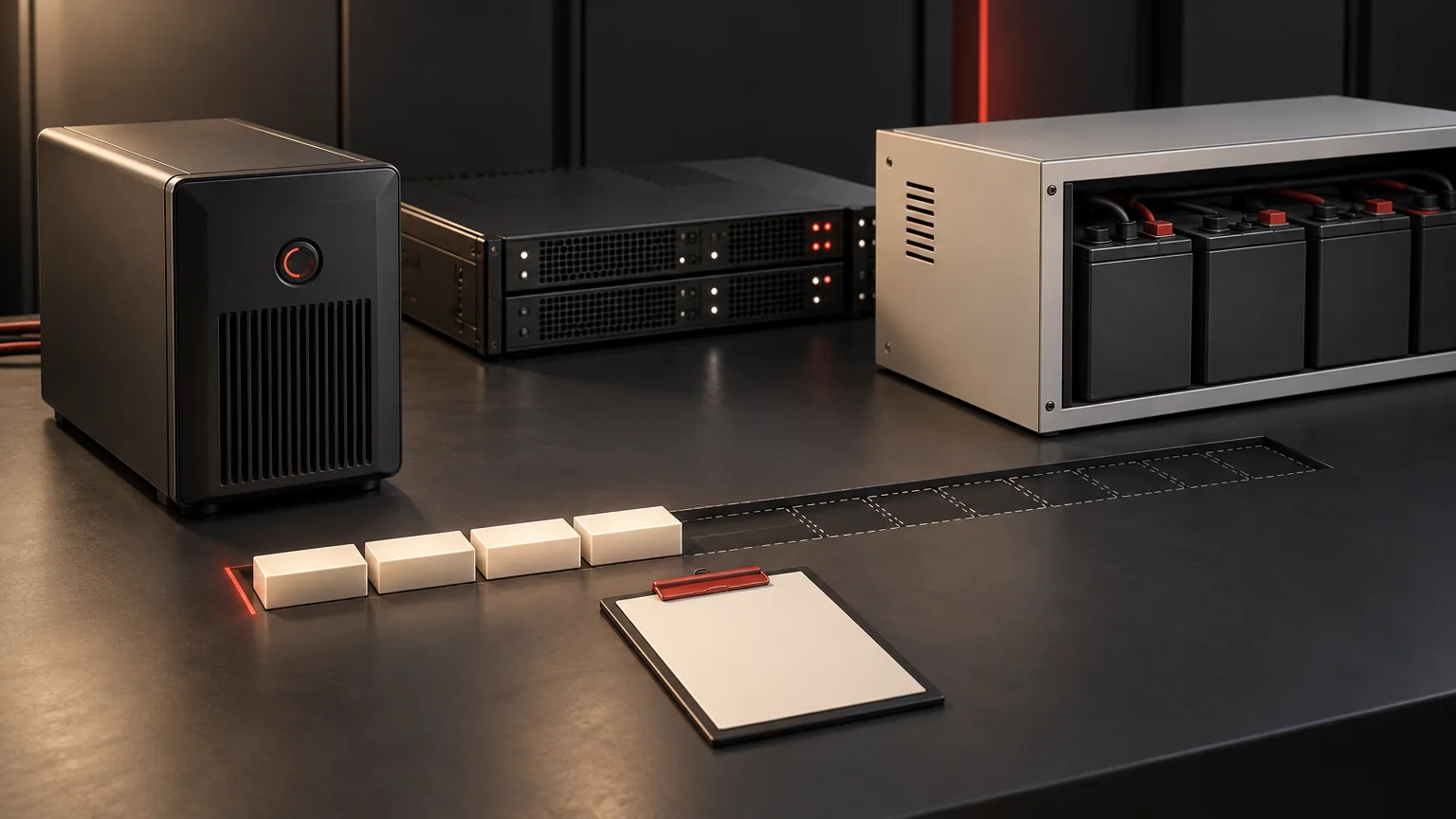
First determine whether the shortfall is a changing runtime estimate, an early shutdown command or an actual loss of UPS output. If there are no hazardous symptoms, compare the incident with the specified load, starting charge, battery arrangement, temperature and discharge endpoint. Preserve the evidence before changing settings. A short result does not, by itself, prove that the battery needs replacing.
Stop routine troubleshooting if there are danger signs
Abnormal heat, swelling, smoke, leakage, unusual odor or visible damage requires the site's emergency and electrical-safety procedures. Stop ordinary checks and testing, keep people away as the procedure requires and contact qualified personnel. Do not approach a suspect battery to photograph a label, open a cabinet, reconnect equipment or attempt recovery charging.
The remaining checks are for a system without those warning signs and use information available through approved displays, records and monitoring. They do not authorize internal inspection or electrical measurements on exposed parts. If the protected process is already at risk, use the approved operational response instead of spending the remaining backup time diagnosing it.
Identify what actually ended early
Record the sequence, including time zone: input disturbance, entry to battery mode, first low-runtime indication, shutdown command, load stop, output loss and source restoration. Some events may be absent. That distinction is useful evidence, not an invitation to recreate an outage.
Schneider Electric's Smart-UPS guidance distinguishes calculated remaining runtime from charge indication and relates the estimate to load and battery capacity. Its model-specific calibration procedure can cut output and requires a non-critical load. Those instructions are not a general Highidea procedure and should not be copied into a live production investigation.
Observation | Question to resolve |
|---|---|
Displayed minutes decreased, but output continued | Was this an updated prediction under a changed load or battery condition? Preserve screenshots and load readings. |
Servers stopped while the UPS still had output | Did software, a relay, a schedule or an operator initiate an approved shutdown? Compare UPS and server logs. |
UPS output ended before the agreed endpoint | What load, charge state, alarms and operating mode preceded it? Escalate with the incident record. |
Another outage occurred soon after the first | Had the system completed its specified recharge and returned to the required readiness state? |
Put the specified and actual conditions side by side
Find the accepted quotation, configuration schedule and any commissioning test. “Four-hour UPS” is incomplete if the load and starting conditions are missing. Compare those documents with the incident rather than with a family-level brochure.
Capture actual watts over the outage where logs exist, not just a percentage from an unrelated rating. Include accessories added after commissioning and loads that remained energized longer than planned. Preserve peaks or operating changes as a timeline; an end-of-event reading may miss them.
For a screening illustration, a constant 1 kW load for four hours requires 4 kWh of delivered energy. Increasing that constant load to 1.5 kW would use the same delivered energy in about 2.67 hours. This is arithmetic under an intentionally simplified fixed-energy assumption, not a runtime prediction. Actual usable energy, losses, discharge limits, temperature and battery condition can change the result.
Follow the evidence through the likely causes
Use the first relevant observation to choose the next review. Several causes can coexist; finding a load increase does not rule out a charging or battery issue.
Victron's lithium-battery troubleshooting manual describes reduced capacity associated with imbalance, aging or deep-discharge damage in its own products. It supports the need to examine battery history, but its cell thresholds, balancing methods and recovery settings do not apply automatically to a Highidea configuration.
- Load increased: compare the backed-up circuit list and recorded watts with the approved sizing case. Identify added equipment and unexpected concurrent operation. Ask the supplier to reassess the exact load profile.
- Starting charge was lower: check the time since the preceding outage or test, charger status and any charging interruptions. “Mains restored” does not establish that the original autonomy is available again.
- Installed storage differs: compare the approved host and battery part references, pack count and configuration with service records. Let qualified support investigate an unavailable pack, protective operation or connection concern; do not reseat battery connections as a first-line check.
- Temperature or ventilation changed: record the accessible temperature indication and room conditions, including recent cooling problems. Use the selected battery's limits rather than importing a generic temperature percentage from another chemistry.
- Battery or BMS history changed: preserve low-cell, temperature, protection and charge-related events that the approved interface exposes. Ask support to interpret them alongside age, service history and the operating conditions.
- Shutdown rules changed: compare software and operational records with the approved shutdown policy. Do not lower a protective threshold merely to make the apparent runtime longer.
Check the complete long-runtime configuration
Highidea's ET 1–10KRS platform uses external LiFePO4 batteries, so the host name does not establish one fixed backup duration. The ordered host, approved battery arrangement and actual load must be reviewed together. A larger nominal battery quantity also requires a compatible charger, protection and permitted configuration.
Ask whether a battery replacement, firmware change, pack addition or charger adjustment occurred between the accepted test and the incident. Request the relevant approved service record. Do not assume that physically present batteries were all available during the event, or that a state-of-charge display independently measures the installed system's usable energy.
If the cause appears to be an installation or configuration discrepancy, preserve it as a specific question for support. The appropriate remedy could involve the load, charging availability, configuration, monitoring or hardware; buying more packs before the cause is understood can leave the underlying problem unresolved.
Send support a comparison record
Use one incident identifier so the UPS, monitoring and protected-equipment logs can be correlated. Redact passwords and other secrets, but preserve the timing and configuration details needed to investigate.
A qualified team may propose a controlled test using a safe representative load and agreed restoration plan. Do not initiate a deep discharge, calibration, BMS override or live outage to collect missing evidence. Record what must be restored and recharged before the system is handed back.
For a Highidea support request, send the comparison record and ask for an explanation tied to the delivered configuration. The useful outcome is an identified cause and verified corrective action, not an unexplained reset or a new runtime promise under different conditions.
Record field | Information to provide |
|---|---|
System identity | UPS and battery models, serial references, approved arrangement, relevant firmware and service history. |
Promised condition | Target time at stated watts, starting charge/recharge assumptions, ambient conditions and agreed endpoint. |
Incident condition | Available load history, first and last event times, operating modes, alarms and evidence of what stopped. |
Recent changes | Equipment additions, maintenance, battery work, charging interruptions, cooling changes and shutdown-policy revisions. |
Requested decision | Most likely cause, missing evidence, safe interim operating limits and an approved verification or repair plan. |
Sources and scope
The primary references below support the stated technical context. Other manufacturers' procedures and limits apply to their own products, not automatically to Highidea. Product and application statements here are limited to the named Highidea configuration or record.
Victron Energy: Lithium Smart Battery Manual — Troubleshooting & support
Schneider Electric: Why are the battery charge LEDs flashing on a Smart-UPS?
FAQ
Frequently asked questions
Does a full charge indication prove the specified backup time is available?
No. Load, usable battery capacity, protection limits, configuration and the accuracy of the indication still matter. A charge indication and a verified runtime result answer different questions.
Should I recalibrate the UPS before contacting support?
Not as a default first step. Preserve logs and establish the symptom first. Calibration is model-specific, may interrupt output and must be approved with an appropriate non-critical test arrangement.
Can adding external packs solve every runtime shortfall?
No. More storage will not correct an incompatible configuration, unavailable charging, a protective trip or an unintended shutdown command. Expansion must follow the host's supported arrangement and a revised runtime/recharge review.
Related
Products, solutions & further reading.
Put this into practice
Need help specifying the right unit?
Share the load, voltage, runtime, environment and destination for a configuration review.