Choosing UPS Backup for a Laser Printer and Office IT
By Highidea Power · 23 October 2026 · 4 min read
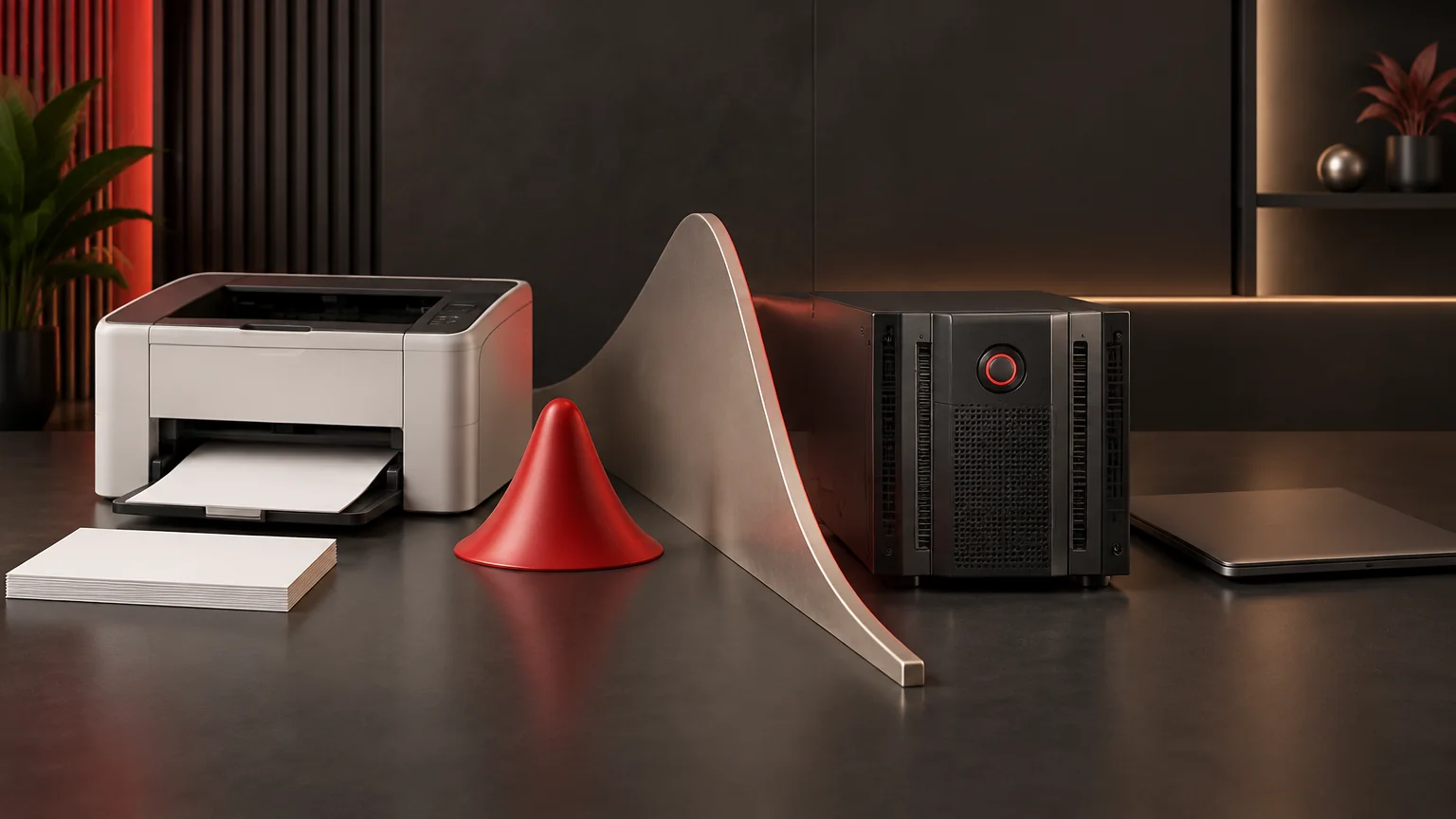
Decide whether printing must continue during an outage before placing a laser printer on the office IT UPS. If it must, select around the printer manufacturer’s maximum input demand and operating cycle together with the other loads. Highidea’s online UPS options can be discussed against that complete requirement; standby consumption or one universal VA threshold is not an adequate selection basis.
Give printing an explicit outage role
List what the office must accomplish when power fails. Saving work, retaining network access and printing an essential document are different tasks. Ask the process owner whether an interrupted print can wait, restart elsewhere or would prevent the required business outcome.
If printing can stop, keep it outside the essential backup-load calculation and plan its ordinary supply with the installation designer. That can leave the UPS energy available for the IT task that actually needs continuity. It does not authorize plugging the printer into any convenient outlet or ignoring the upstream circuit.
If printing is essential, record what must be printed, the required interval and the dependencies. The computer, network, print server or document service may also need power. A powered printer without access to the document cannot complete the task.
Distinguish standby from the printing cycle
Laser printers can have substantial input demand associated with their operation, including heating functions. A standby value is useful for a standby state; it does not describe the maximum power the UPS may encounter during the intended task.
Obtain the exact printer model’s electrical requirements. Separate manufacturer maximum demand, available W and VA information, input voltage, operating states and any stated restrictions on UPS use. Where timing or repeated heating behavior matters, request the relevant manufacturer information rather than reconstructing a duty cycle from a marketing average.
Combine the printer with the simultaneous IT load. Do not subtract server demand simply because printing is intermittent unless an approved operating arrangement actually prevents those loads coinciding. Capacity selection and energy for the required printing interval are separate parts of the calculation.
Read the APC recommendation in its product context
APC’s FAQ FA158812 names SurgeArrest, Back-UPS and Back-UPS PRO and advises against connecting laser printers to Back-UPS products, including their battery and surge-only outlets. It also explains how printer demand can depress the utility line and cause repeated transfers to battery.
For a printer that must use a UPS, the FAQ recommends an appropriately sized Smart-UPS based on the printer manufacturer’s maximum demand. Its typical capacity example belongs to that advice; it is not a universal minimum for every printer or a compatibility approval for another brand.
The useful procurement lesson is specific: follow the chosen printer and UPS manufacturers’ requirements, including the supply arrangement. Do not turn a product-specific warning into either “all printers are prohibited” or “any online UPS is compatible.”
Build a task-based load card
Input | Record | How it changes the decision |
|---|---|---|
Printing objective | Required documents and interval, or permission to stop | Whether printing belongs on backup |
Printer identity | Exact model and manufacturer requirements | Applicable demand and restrictions |
Operating demand | Standby, heating and printing information available | Capacity and repeated-duty evaluation |
Simultaneous IT | Computers, network and document-service loads | Combined power requirement |
Supply arrangement | Existing circuit and other shared loads | Upstream interaction review |
Completion task | What must finish before shutdown | Backup energy and control requirement |
Use this card for an actual procurement discussion. Unknown maximum demand should trigger a request for information, not an assumed low value.
Compare two office scenarios
In a hypothetical office where printing can wait, the UPS may preserve network access and an orderly computer shutdown while the printer remains outside backup. The designer still considers whether the printer’s ordinary supply can disturb the IT source.
In another hypothetical office, an essential document must print after an outage. The proposed system must support the printer’s relevant demand and its dependencies for that task. A long runtime calculation at printer standby does not answer whether the printing cycle itself can be supported. Neither example describes a tested printer-and-UPS pairing.
Bring the complete requirement to Highidea
Our ET1-3KR offers a rack online UPS with built-in LiFePO4 storage, while ET 1–10KRS configurations use external packs for load-and-duration planning. Share the printer requirements and the complete IT task with Highidea to discuss a suitable configuration.
Use the startup-demand guide for the broader transient-load question and the load-priority guide to define what continues. Any compatibility demonstration should use a safe, authorized plan; do not improvise a live office power interruption or defeat protection.
Primary reference
FAQ
Frequently asked questions
Does a surge-only UPS outlet avoid the printer issue?
Not automatically. The APC warning also covers its relevant surge-only outlets, and the shared source still needs review.
Can a power meter’s idle reading size the system?
It describes the observed idle condition. Selection also needs the printer’s maximum requirements and the intended operating task.
Is an online UPS automatically approved for a laser printer?
No. Confirm the particular UPS, printer, demand and supply arrangement rather than inferring compatibility from topology alone.
Related
Products, solutions & further reading.
Put this into practice
Need help specifying the right unit?
Share the load, voltage, runtime, environment and destination for a configuration review.